Discover the total cost analysis of NAS vs cloud backup. Understand the benefits and drawbacks of each to make an informed decision for your data storage needs.
NAS vs Cloud Backup: A Total Cost Analysis You Need to Know
In the ever-evolving realm of data storage and backup solutions, two major contenders often come into play: Network Attached Storage (NAS) and Cloud Backup services. Each offers distinct advantages and challenges, particularly when it comes to cost. This article will provide a thorough total cost analysis, exploring various aspects of both options to help you make an informed decision tailored to your specific needs.
Initial Setup Costs: NAS vs Cloud Backup
Hardware Expenses for NAS Solutions
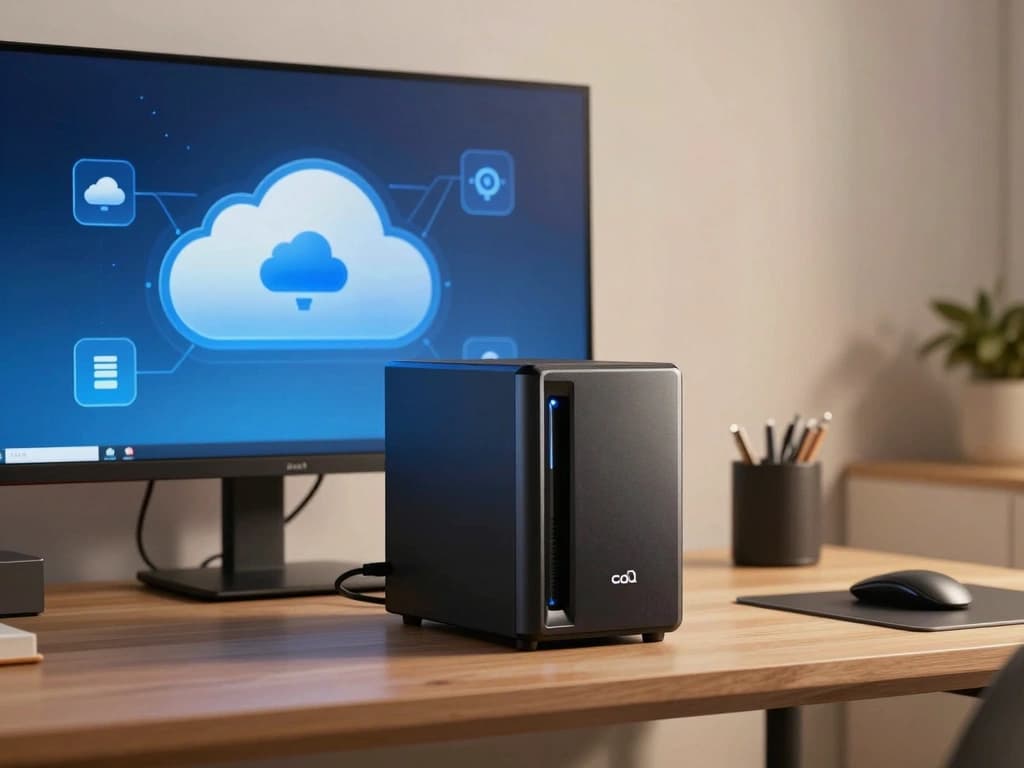
Investing in a NAS solution typically requires a significant up-front expenditure on hardware. NAS devices, such as the Synology DiskStation DS220+ or the QNAP TS-451+, can vary widely in price depending on the storage capacity and features. For instance, a Synology DS220+ starts around $299 without drives, while populated with two 4TB hard drives, the total cost can reach approximately $699.
- NAS Devices: Starting costs can range from $200 to over $1,000, depending on the features.
- Hard Drives: Each 4TB hard drive can cost between $100 to $150. For a two-bay NAS, this results in an additional $200 to $300.
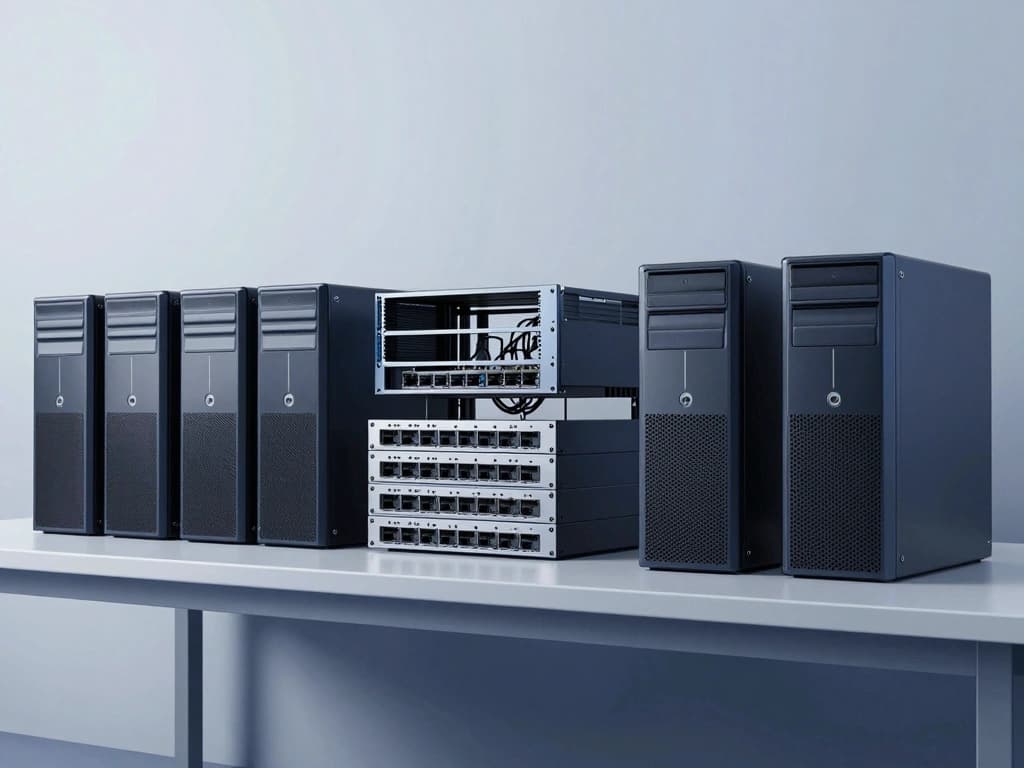
- Network Infrastructure: If an upgrade is necessary, consider costs related to routers, switches, or cabling, potentially adding another $100 to $500.
Subscription Fees for Cloud Backup Services
In contrast, cloud backup services generally operate on a subscription model. Providers such as Backblaze, Carbonite, and Acronis offer various plans based on the amount of data you wish to back up.
- Backblaze: Offers unlimited personal backup for $7 per month or $70 annually.
- Carbonite: Plans start at $60 per year for 250GB of storage, scaling up to $150 for unlimited storage.
- Acronis: Prices start at $49.99 annually for 500GB of storage, with higher tiers available for larger capacities.
While cloud backup services may appear less expensive initially, the recurring fees can add up over time, especially for businesses with large amounts of data.
Additional Costs for Software and Licensing
Both NAS and cloud solutions may incur additional software and licensing costs:
- NAS Software: Some NAS devices come with integrated software, but advanced features may require additional licenses. For instance, Synology offers various applications such as Synology Drive that may require add-ons costing around $50 to $200.
- Cloud Backup Software: Many cloud services include the necessary software as part of the subscription, but businesses may need additional licenses for endpoint protection or compliance tools, which can range from $100 to $500 annually.
Ongoing Maintenance and Operational Costs
Electricity and Cooling Costs for NAS Devices
Operating a NAS device incurs ongoing electricity and cooling costs. A typical NAS unit consumes about 30 to 50 watts. Assuming an electricity rate of $0.12 per kWh, running a NAS 24/7 can cost:
- Electricity Cost: At 50 watts, the monthly cost would be approximately ($0.12 × 50W × 24h × 30 days) ÷ 1000 = $43.20.
- Cooling Costs: Depending on the environment, cooling can add another $5 to $20 monthly.
Monthly or Annual Fees for Cloud Backup Plans
Cloud backup services usually operate on a pay-as-you-go model. Monthly or annual fees can vary based on the volume of data and the level of service. In a business context, continuous data backup for several terabytes can become a substantial ongoing cost:
- Example Costs: If a business requires 5TB of storage on Backblaze, the monthly fee would be around $35, totaling $420 annually.
- Enterprise Solutions: Larger businesses may pay upwards of $1,000 per month for comprehensive backup solutions.
Technical Support and Maintenance Expenses
Technical support is another factor to consider in ongoing costs:
- NAS Support: Users may need to hire IT professionals for maintenance or troubleshooting, which can range from $50 to $150 per hour, depending on the complexity of the issue.
- Cloud Support: Most cloud services include customer support in their subscription fees, but advanced support plans can add $100 to $500 annually.
Data Security and Compliance Costs
Investments in NAS Security Measures
Data security is paramount for both NAS and cloud solutions. For NAS systems, investment in security measures can include:
- Firewalls and Antivirus Software: These may cost around $50 to $300 annually, depending on the solutions chosen.
- Physical Security: If the NAS is located on-site, security measures such as locks and surveillance can add another $200 to $1,000.
Cost Implications of Cloud Backup Encryption and Compliance
Cloud backup providers often include encryption services, but there may be additional costs for compliance with regulations such as GDPR or HIPAA:
- Encryption Costs: While basic encryption is often included, advanced encryption services could add $100 to $500 per year.
- Compliance Tools: Businesses may need to invest in third-party compliance solutions, which can cost $500 to $2,000 annually.
Insurance and Liability Considerations for Both Solutions
Data loss or breaches can lead to significant financial consequences:
- Insurance for NAS: Cyber liability insurance can cost between $1,000 to $3,000 annually, depending on the coverage level.
- Cloud Backup Liability: Although cloud providers often have liability clauses, businesses should consider additional insurance for data stored off-site, which can add another $1,000 annually.
Scalability and Future Costs
Upgrading NAS Storage Capacity and Costs
One of the advantages of NAS is that it allows for incremental upgrades:
- Adding Hard Drives: Upgrading storage by adding more drives typically costs about $100 to $150 per 4TB drive.
- Complete Hardware Upgrades: If capacity limits are reached, investing in a larger NAS unit could cost $500 to $2,000.
Scaling Cloud Backup Solutions and Associated Fees
Scaling cloud backup solutions often involves increasing your plan or storage capacity:
- Upgrade Costs: Moving from a 1TB plan to a 5TB plan on a provider like Acronis could result in a price jump from $49.99 to $249.99 annually.
- Data Transfer Fees: Be cautious of potential data transfer fees when moving large volumes of data to or from the cloud, which could add unexpected costs.
Long-term Financial Implications of Each Approach
When considering the long-term financial implications, it's crucial to evaluate the total cost of ownership for both NAS and cloud backup:
- NAS: While initial costs may be high, the long-term operational costs may stabilize, especially if backup needs do not significantly increase.
- Cloud Backup: Recurring fees can accumulate quickly, particularly for businesses requiring extensive storage, making it essential to evaluate if the convenience justifies the cost.
Cost-Benefit Analysis: NAS vs Cloud Backup
Evaluating Value for Money in NAS Investments
When assessing the value for money in NAS investments, consider the following:
- Control over Data: NAS provides complete control over your data and backup processes.
- No Recurring Fees: Once the initial investment is made, ongoing costs can be minimal compared to cloud solutions.
- Performance: Local access can provide faster data retrieval compared to cloud solutions, especially for large files.
Assessing the ROI of Cloud Backup Solutions
Evaluating the return on investment (ROI) for cloud backup solutions involves considering:
- Convenience: Cloud backups automate processes, reducing the time spent on manual backups.
- Accessibility: Cloud storage allows access from anywhere with internet connectivity, a significant advantage for remote work.
- Immediate Scalability: Businesses can quickly scale their storage needs without the burden of purchasing hardware.
Making an Informed Decision Based on Total Cost of Ownership
Ultimately, the decision between NAS and cloud backup should be based on a careful evaluation of the total cost of ownership:
- Calculate Initial Costs: Include hardware, software, and setup expenses for NAS, or subscription costs for cloud solutions.
- Estimate Ongoing Costs: Consider maintenance, operational, and security costs for NAS against monthly or annual fees of cloud services.
- Factor in Future Growth: Anticipate storage needs and costs for both solutions to understand long-term financial implications.
By weighing these factors, you can make a more informed decision that aligns with your financial goals and operational requirements, ensuring that your data is both secure and accessible.