Discover how to build a homelab using retired enterprise gear. Follow our step-by-step guide for optimizing your tech skills and enhancing your setup.
Understanding the Benefits of Using Retired Enterprise Gear for a Homelab
Building a homelab using retired enterprise gear is an increasingly popular choice among tech enthusiasts, IT professionals, and hobbyists alike. Such setups utilize equipment that has been decommissioned by businesses but still holds significant value for personal or small-scale use. This section explores the benefits of using retired enterprise gear for your homelab.
Cost Efficiency and Resourcefulness
One of the most significant advantages of using retired enterprise hardware is cost efficiency. High-quality servers, switches, and storage devices can often be acquired at a fraction of their original price. For instance, a second-hand Dell PowerEdge R710 server can be purchased for around $300 to $600, depending on its configuration and condition. In contrast, a brand new server with similar specifications might cost thousands of dollars.
Additionally, sourcing retired enterprise gear promotes resourcefulness. Not only does it support sustainable practices by reducing electronic waste, but it also encourages users to repurpose and innovate with older technology. This can be particularly beneficial for those learning about network infrastructure, virtualization, and server management.
High Performance and Reliability
Retired enterprise gear is often built to withstand the rigors of a commercial environment. Equipment designed for enterprise use typically features robust components, such as high-performance CPUs, ECC (Error-Correcting Code) RAM, and redundant power supplies, which enhance reliability and uptime. For instance, the HP ProLiant DL380 Gen9 is known for its exceptional reliability and can run demanding applications without faltering, making it an excellent choice for a homelab.
Moreover, many retired enterprise devices have been designed to handle significant workloads, allowing users to run multiple virtual machines or complex applications without performance degradation. This high level of performance is invaluable for anyone looking to simulate real-world workloads in a controlled environment.
Access to Advanced Features
Retired enterprise gear often comes with advanced features that are typically not available in consumer-grade equipment. Features such as advanced RAID configurations, virtualization support, and remote management capabilities can greatly enhance a homelab's functionality. For example, the Cisco Catalyst 2960 series switches provide Layer 2 and Layer 3 capabilities, enabling users to create complex networking scenarios that mimic enterprise environments.
These advanced features allow users to experiment with technologies such as network segmentation, load balancing, and high availability, providing critical learning opportunities for those pursuing careers in IT or related fields.
Choosing the Right Retired Enterprise Hardware
Choosing the right retired enterprise gear for your homelab is crucial for creating an efficient and functional environment. This section will guide you through the process of identifying suitable equipment and evaluating its condition and compatibility.
Identifying Suitable Equipment
When selecting retired enterprise hardware, consider your specific needs and the purpose of your homelab. Are you interested in networking, server management, virtualization, or perhaps a combination of these? Start by compiling a list of essential components:
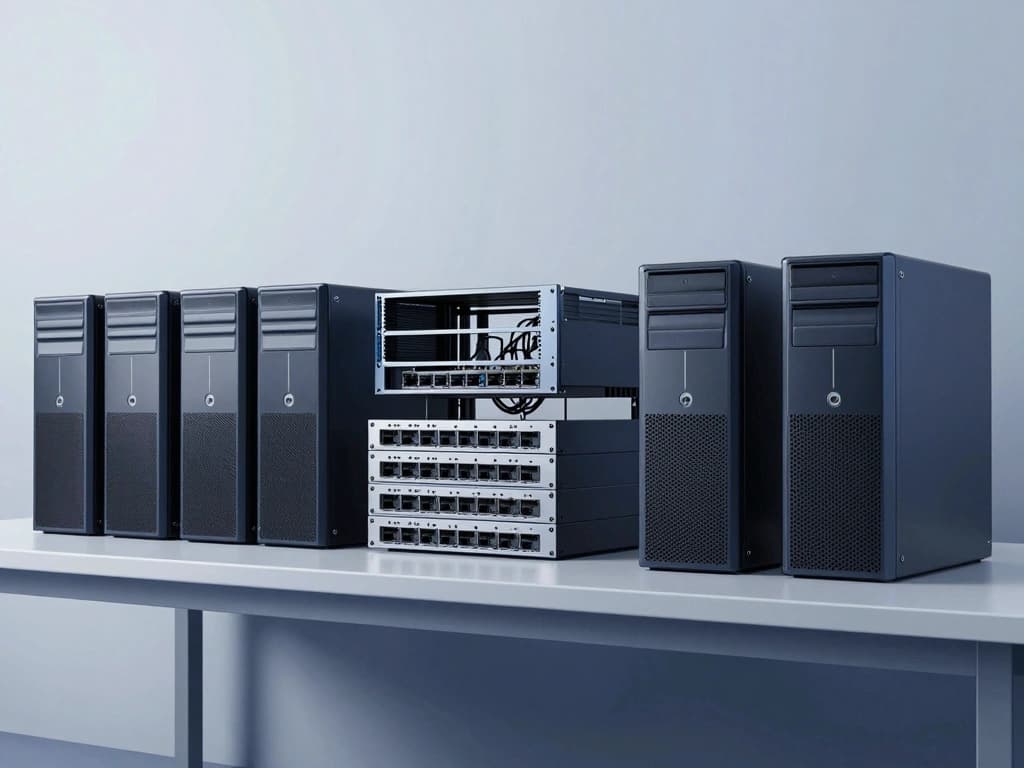
- Servers: Look for rack-mounted or tower servers that fit your space and performance requirements. Popular models include Dell PowerEdge, HP ProLiant, and Lenovo ThinkServer.
- Networking Gear: Routers, switches, and firewalls are critical for setting up your network. Brands like Cisco, Juniper, and Arista offer robust options.
- Storage Solutions: Enterprise-grade NAS or SAN systems can provide ample storage for virtual machines and data backups. Consider Synology or QNAP for NAS solutions.
Evaluating Hardware Condition and Compatibility
Once you've identified potential equipment, it’s essential to evaluate its condition and compatibility. Check for the following:
- Physical Condition: Inspect for signs of wear, rust, or damage. Request photos from sellers if purchasing online.
- Warranty and Support: Some vendors offer warranties on refurbished equipment, providing peace of mind.
- Compatibility: Ensure that the hardware is compatible with your planned software stack and other devices. Check specifications such as CPU compatibility, RAM slots, and supported storage interfaces.
Common Types of Enterprise Gear for Homelabs
Here are some common types of retired enterprise gear that are frequently used in homelabs:
- Servers: Rack servers like the Dell PowerEdge R720 or HP ProLiant DL380 Gen9 are favored for their performance and expandability.
- Networking Equipment: Cisco 3750 switches and Ubiquiti UniFi access points are popular for their reliability and rich feature sets.
- Storage Appliances: Dell EMC Isilon and NetApp FAS series provide scalable storage solutions with enterprise-level features.
Setting Up Your Homelab Environment
After selecting the right retired enterprise hardware, the next step is to set up your homelab environment. This involves considering the physical space, power and cooling requirements, and network infrastructure.
Physical Space Considerations
When setting up your homelab, the physical space is crucial. Here are some tips:
- Dedicated Area: Allocate a dedicated space for your homelab, such as a spare room, basement, or closet. Ensure it is well-ventilated and accessible.
- Rack Mounts: If using rack-mounted servers, consider investing in a rack enclosure to organize equipment and improve airflow.
- Workspace: Ensure you have a suitable workspace for monitoring and managing your homelab, including a desk, chair, and adequate lighting.
Power and Cooling Requirements
Enterprise gear can consume significant power and generate heat, so proper power and cooling solutions are essential:
- Power Supply: Ensure you have sufficient power outlets and consider using a UPS (Uninterruptible Power Supply) to protect against outages.
- Cooling Solutions: Use fans or air conditioning to maintain optimal temperatures. Enterprise gear often requires more cooling than typical home equipment.
Network Infrastructure Setup
A well-designed network infrastructure is crucial for a functional homelab. Follow these steps to set it up:
- Router Configuration: Configure your router for optimal performance, setting up VLANs, DHCP, and firewall rules as necessary.
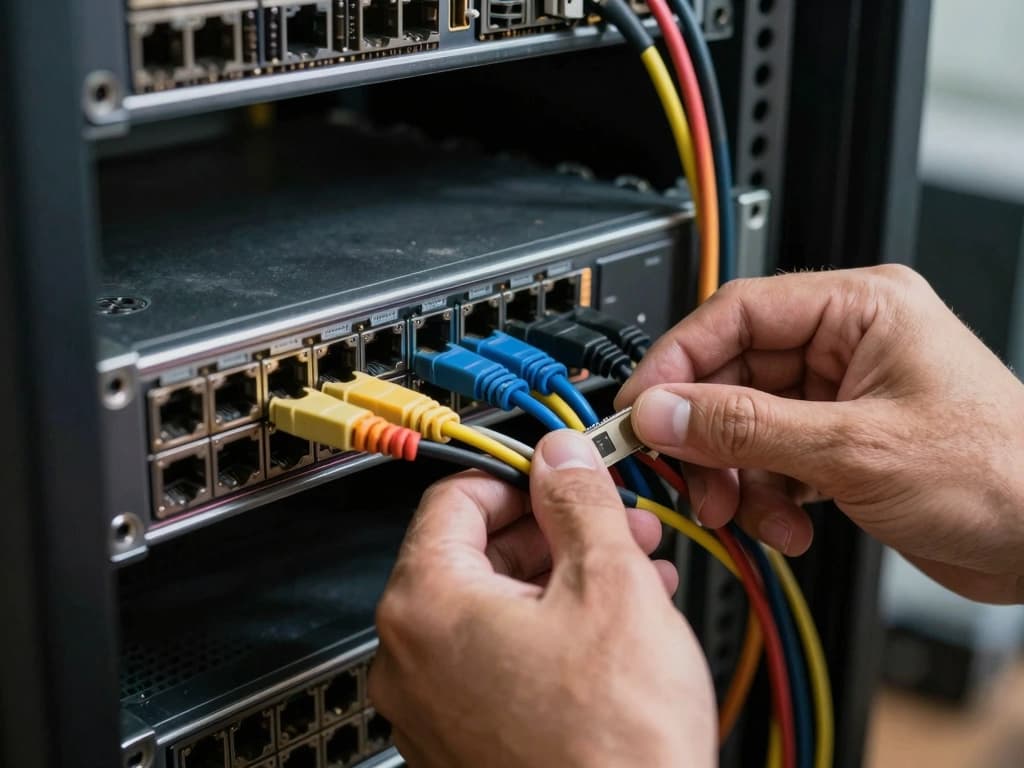
- Switch Configuration: Connect your servers and networking devices to the switch, ensuring proper cabling (CAT6 or better is recommended).
- IP Addressing: Plan a logical IP addressing scheme for your devices to ensure easy management and troubleshooting.
Configuring Software for Optimal Performance
With hardware set up, the next step is to configure the software for your homelab. This involves selecting operating systems, virtualization solutions, and management tools.
Selecting the Right Operating Systems
Your choice of operating systems can significantly impact performance and functionality. Consider the following options:
- Linux Distributions: Ubuntu Server, CentOS, and Debian are excellent choices for server environments, offering stability and performance.
- Windows Server: For those needing Windows-based applications, Windows Server editions provide robust features for enterprise environments.
- Hypervisors: VMware ESXi, Proxmox VE, and Microsoft Hyper-V are popular choices for virtualization, allowing you to run multiple VMs on a single physical server.
Virtualization Solutions for Enterprise Gear
Virtualization is a critical component of many homelabs, enabling efficient resource utilization and management. Here are some popular solutions:
- VMware ESXi: A powerful hypervisor that supports a wide range of guest operating systems and offers robust management capabilities.
- Proxmox VE: An open-source virtualization platform that combines KVM for virtual machines and LXC for containers, providing flexibility in deployment.
- Microsoft Hyper-V: Integrated with Windows Server, Hyper-V is ideal for users familiar with the Windows ecosystem.
Monitoring and Management Tools
To ensure optimal performance and reliability, implement monitoring and management tools. Popular options include:
- Prometheus: An open-source monitoring tool that collects metrics and provides alerting capabilities.
- Grafana: Often used alongside Prometheus for data visualization, allowing for easy monitoring of system performance.
- Nagios: A powerful monitoring system that provides alerts for system failures and performance issues.
Best Practices for Maintaining Your Homelab
Maintaining your homelab is essential for ensuring its longevity and reliability. This section covers best practices for hardware maintenance, data backup strategies, and security measures.
Regular Hardware Maintenance and Upgrades
Regular maintenance is vital for keeping your retired enterprise gear in good working condition. Consider the following:
- Dust Management: Regularly clean your equipment to prevent dust buildup, which can lead to overheating.
- Firmware Updates: Keep firmware and software up to date to ensure optimal performance and security.
- Hardware Upgrades: Consider upgrading components like RAM and storage to keep up with your evolving needs.
Data Backup and Recovery Strategies
A robust backup strategy is crucial for protecting your data. Implement the following strategies:
- Regular Backups: Schedule regular backups of critical data, using tools like Veeam or Acronis.
- Offsite Backups: Consider storing backups offsite or in the cloud to protect against local disasters.
- Testing Restores: Regularly test your backup and recovery processes to ensure data integrity and restore capabilities.
Security Measures for Protecting Your Homelab
Security is paramount in a homelab environment. Here are essential security measures:
- Firewall Configuration: Set up a firewall to control incoming and outgoing traffic, protecting your network from unauthorized access.
- Regular Security Audits: Conduct regular security audits to identify vulnerabilities and implement necessary changes.
- Access Control: Implement role-based access control (RBAC) to limit access to critical systems and data.
By following these best practices, you can ensure that your homelab remains a valuable resource for learning, experimentation, and professional development.