Discover the best mechanical keyboard switches for typing in our comprehensive comparison guide. Enhance your typing experience with expert insights and reviews.
Understanding Mechanical Keyboard Switch Types
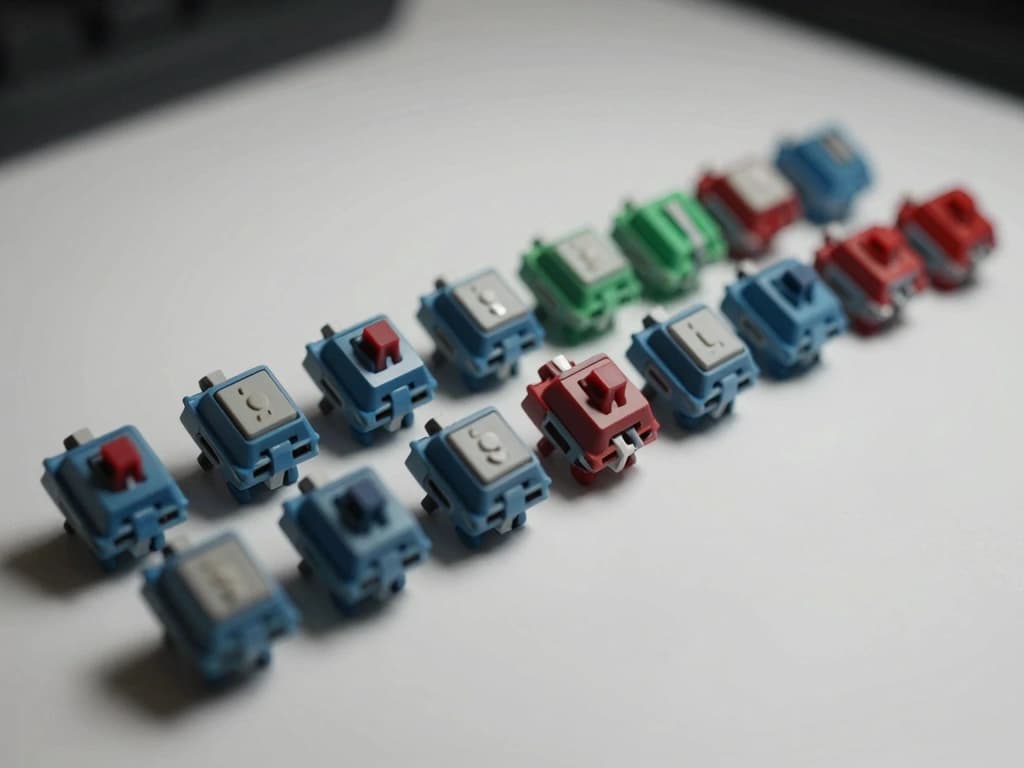
Mechanical keyboards have gained immense popularity among typists and gamers alike, largely due to their customizable features and diverse switch types. Understanding the different types of mechanical keyboard switches is essential for selecting the right one for your typing needs. The three primary types of mechanical switches are linear, tactile, and clicky switches. Each type offers a unique typing experience tailored to various preferences.
Linear Switches: The Smooth Typing Experience
Linear switches are characterized by their smooth keystroke without any tactile bump or audible click. This type of switch provides a consistent feel from the top of the key to the bottom, making them ideal for fast typists who prioritize speed over feedback.
Example:
Cherry MX Red switches are a popular linear option. They require an actuation force of about 45g and have a total travel distance of 4mm. The lack of resistance during the press allows typists to achieve a higher typing speed, as there is no tactile feedback to slow them down.
Tactile Switches: Feedback for Precision Typing
Tactile switches include a noticeable bump at the actuation point, providing feedback to the typist that the key has been registered. This feedback can help typists avoid bottoming out the keys, which can lead to increased accuracy and a more comfortable experience.
Example:
Cherry MX Brown switches are a well-known tactile option. With an actuation force of 45g and a total travel distance of 4mm, they offer a satisfying tactile bump without being excessively loud. This makes them suitable for office environments where quieter typing is preferred.
Clicky Switches: The Auditory Typing Satisfaction
Clicky switches are similar to tactile switches but include an added auditory click sound at the actuation point. Many typists enjoy the audible feedback as it reinforces the feeling of a successful keystroke.
Example:
Cherry MX Blue switches are a classic clicky option. These switches require an actuation force of 50g and have a travel distance of 4mm. The satisfying click sound, along with the tactile feedback, can make typing feel more engaging, although they may not be ideal for shared workspaces due to their noise level.
Key Factors in Choosing Switches for Typing
When selecting the ideal mechanical keyboard switch for typing, several key factors should be considered, including actuation force, travel distance, and noise levels. Each of these factors can significantly impact your typing comfort and experience.
Actuation Force: Finding Your Optimal Resistance
Actuation force refers to the amount of pressure required to press a key down and register a keystroke. This force is measured in grams (g). A switch that requires too much force can lead to finger fatigue, while one that is too light may cause accidental keystrokes.
Guidelines:
- Light Switches: Typically require 40g or less of actuation force (e.g., MX Red).
- Medium Switches: Require between 45g and 55g (e.g., MX Brown).
- Heavy Switches: Require over 60g (e.g., MX Black).
Finding the right actuation force is often a matter of personal preference, and testing different switches is the best way to determine what feels comfortable for you.
Travel Distance: Impact on Typing Speed and Comfort
Travel distance is the total distance a key must be pressed down to register a keystroke. Most mechanical switches have a travel distance of around 4mm, but some may vary. A shorter travel distance can facilitate quicker typing, while a longer distance may provide more comfort for extended typing sessions.
Considerations:
- Standard Travel Distance: Most switches have a travel distance of around 4mm.
- Shorter Travel Distances: Some switches, like Cherry MX Speed Silver, have a travel distance of 3.4mm, catering to gamers and fast typists.
Ultimately, the ideal travel distance can come down to personal preference and typing style.
Noise Levels: Balancing Sound with Typing Environment
Noise levels can significantly affect your typing experience, especially in shared or quiet environments. If you type frequently in an office setting or around others, you may want to consider quieter switches.
Sound Levels:
- Linear Switches: Generally the quietest option (e.g., MX Red).
- Tactile Switches: Moderate noise level (e.g., MX Brown).
- Clicky Switches: Loudest option (e.g., MX Blue).
Understanding the noise levels of different switches can help you select one that matches your environment.
Popular Mechanical Switch Brands and Their Offerings
Several brands dominate the mechanical keyboard switch market, each offering unique features and characteristics. Below are some of the most popular brands and their notable offerings.
Cherry MX: The Industry Standard
Cherry MX switches are widely regarded as the industry standard for mechanical switches. They come in various types, including Red, Brown, Blue, and Black, each catering to different typing preferences.
Features:
- Durability: Cherry MX switches are rated for over 50 million keystrokes.
- Variety: A diverse range of switches to suit different typing styles.
Their consistency and performance make Cherry MX switches a reliable choice for typists.
Kailh: Budget-Friendly Alternatives
Kailh switches are known for providing a cost-effective alternative to Cherry MX switches. They offer similar variants, including Kailh Box switches, which are designed to be dust and water-resistant.
Features:
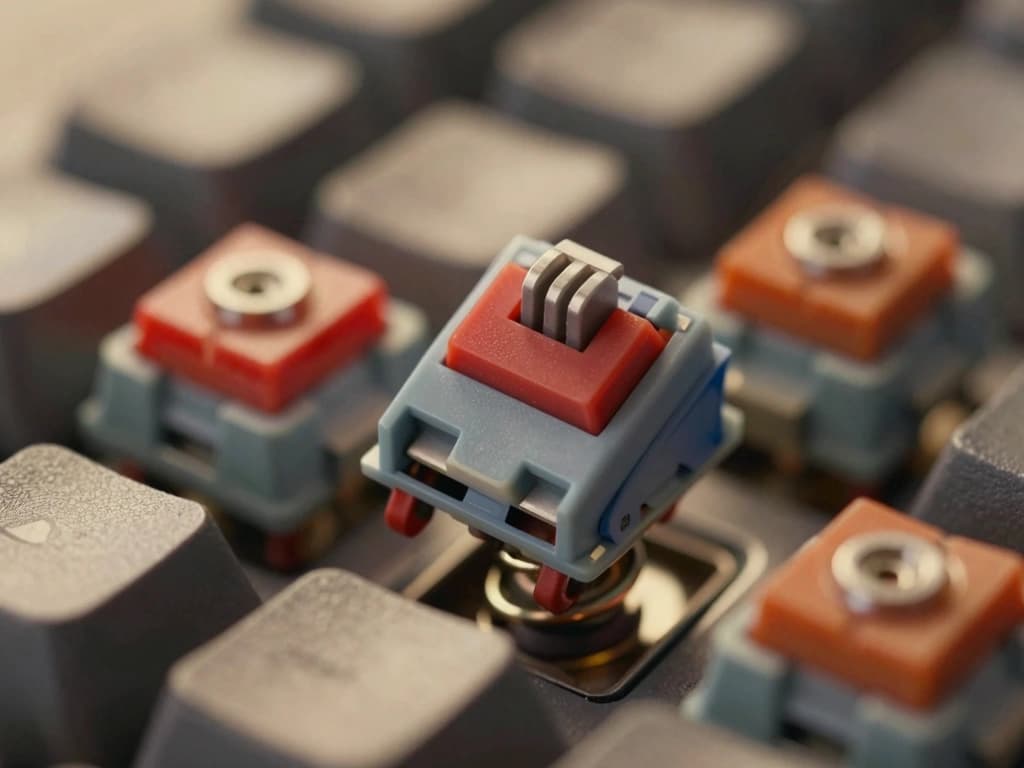
- Affordability: Generally less expensive than Cherry MX switches.
- Variety: Offers an array of options, including clicky and tactile varieties.
Kailh switches are suitable for typists looking for budget-friendly options without compromising too much on quality.
Gateron: Smoothness and Performance Comparison
Gateron switches are recognized for their smooth keystrokes and affordability. They are often compared to Cherry MX switches but are praised for providing a smoother typing experience.
Features:
- Smoothness: Gateron switches are known for their smooth key presses.
- Variety: Available in linear, tactile, and clicky options.
Typists who prioritize smoothness may find Gateron switches to be an excellent choice.
Typing Test: Real-World Performance of Different Switches
To help typists choose the best mechanical switch for their needs, we can conduct real-world performance tests. This section will look at speed, accuracy, and fatigue assessments across various switches.
Speed Tests: Measuring Typing Velocity Across Switches
Typing speed can be measured using a variety of online tools, typically expressed in words per minute (WPM). Different switches can impact typing speed based on their design characteristics.
Analysis:
- Linear Switches: Users typically achieve higher speeds (e.g., 80-100 WPM) due to the absence of tactile bumps.
- Tactile Switches: Typing speeds may average around 70-90 WPM, as the tactile feedback can slightly slow down typing.
- Clicky Switches: Speeds may range from 65-85 WPM; the click sound may provide a satisfying experience but can slow down some typists.
The results will vary depending on individual typists and their familiarity with different switch types.
Accuracy Tests: Error Rates in Different Environments
Accuracy is crucial for typists, as errors can lead to frustration and reduced productivity. Testing the error rates across different switch types can provide insight into their performance.
Results Summary:
- Linear Switches: Typically exhibit a lower error rate due to their smooth actuation.
- Tactile Switches: Moderate error rates, as the tactile feedback helps improve accuracy.
- Clicky Switches: Higher error rates for some users, as the auditory feedback may lead to distractions.
Choosing the right switch can help minimize mistakes and improve overall typing efficiency.
Fatigue Assessment: Endurance During Long Typing Sessions
The comfort level of a switch during extended typing sessions is essential for typists who spend hours at their keyboards. The actuation force and feedback can influence finger fatigue.
Findings:
- Linear Switches: Generally less fatiguing due to their smooth action and lighter actuation force.
- Tactile Switches: Moderate fatigue levels; the tactile bump provides feedback but can lead to bottoming out over time.
- Clicky Switches: Higher fatigue levels for some users; the combination of tactile and auditory feedback can lead to a more strenuous typing experience.
Understanding how different switches affect fatigue can help typists make informed decisions when selecting their keyboard.
Customizing Your Mechanical Keyboard Experience
One of the most appealing aspects of mechanical keyboards is their customizability. From switch lubing to keycap selection, there are numerous ways to enhance your typing experience.
Switch Lubing: Enhancing Performance and Feel
Lubing switches can reduce friction, resulting in a smoother keystroke. Many enthusiasts recommend using specific lubricants designed for mechanical switches, such as Krytox or Tribosys.
Benefits:
- Smoother Action: Lubed switches tend to feel better under your fingers.
- Reduced Noise: Lubing can dampen the sound of switches, making them quieter.
The process requires disassembling the switches, but many typists find the results worthwhile.
Keycap Selection: Aesthetic and Functional Considerations
Selecting the right keycaps can not only improve the aesthetic appeal of your keyboard but also impact the typing feel. Keycaps come in various materials, shapes, and profiles, such as ABS and PBT.
Considerations:
- Material: PBT keycaps are generally more durable than ABS.
- Profile: Different profiles (e.g., SA, DSA, Cherry) can affect typing comfort.
Choosing keycaps that suit your preferences can enhance your overall typing experience.
Switch Replacement: Upgrading Your Typing Setup
One of the unique features of mechanical keyboards is the ability to replace switches. If you find your current switches uncomfortable or unsuitable, you can upgrade to a different type.
Steps for Replacement:
- Disassemble the Keyboard: Open the case and remove the existing switches.
- Install New Switches: Insert the new switches into the PCB (printed circuit board).
- Reassemble: Put the keyboard back together and test the new switches.
Replacing switches allows you to tailor your keyboard to your typing style and preferences.