Discover how to build a homelab using retired enterprise equipment. Maximize your tech skills and resources with practical tips and expert insights.
Understanding the Benefits of Using Retired Enterprise Equipment
Cost-Effectiveness of Retired Gear
Building a homelab using retired enterprise equipment can be an exceptionally cost-effective solution for tech enthusiasts, developers, and IT professionals. The primary advantage lies in the significant reduction in costs when compared to purchasing new consumer-grade hardware. For example, enterprise servers and networking equipment can often be acquired for a fraction of their original price. It is not uncommon to find high-performance servers, such as Dell PowerEdge R610 or HP ProLiant DL380, available for as little as $100 to $500 on resale platforms or auction sites.
This cost efficiency allows you to allocate your budget towards additional components or upgrades that can enhance your homelab experience. For instance, you might invest in more RAM, SSDs, or networking gear, which consequently improves your setup's capabilities without breaking the bank.
Performance and Reliability Compared to Consumer Equipment
Retired enterprise equipment often outperforms consumer-grade hardware in several critical aspects. Enterprise servers are built to handle demanding workloads and are designed for 24/7 operation in data centers, making them inherently more reliable. For example, a dual-socket server can support multiple CPUs, allowing for substantial parallel processing capabilities. In contrast, consumer-grade systems typically only support a single CPU and are often limited in terms of expandability.
Moreover, enterprise gear often includes advanced features such as ECC (Error-Correcting Code) memory, redundant power supplies, and hot-swappable components, which enhance reliability and uptime. As a result, users can run complex virtualized environments, test multi-tier applications, or even host websites with confidence that the hardware will perform consistently.
Environmental Impact and Sustainability
In addition to cost and performance benefits, utilizing retired enterprise equipment contributes positively to environmental sustainability. By repurposing older hardware, you extend its lifecycle, thus reducing electronic waste and the demand for new hardware manufacturing. According to a report by the Global E-waste Monitor, over 50 million tons of electronic waste were generated globally in 2019, a figure that continues to rise.
By choosing to build a homelab with retired gear, you are not only utilizing existing resources but also minimizing your carbon footprint. This practice aligns with sustainable technology initiatives and promotes responsible consumption within the tech community.
Identifying Suitable Retired Enterprise Equipment
Common Types of Retired Equipment for Homelabs
When it comes to building a homelab, several types of retired enterprise equipment can serve your needs effectively. Some common categories include:
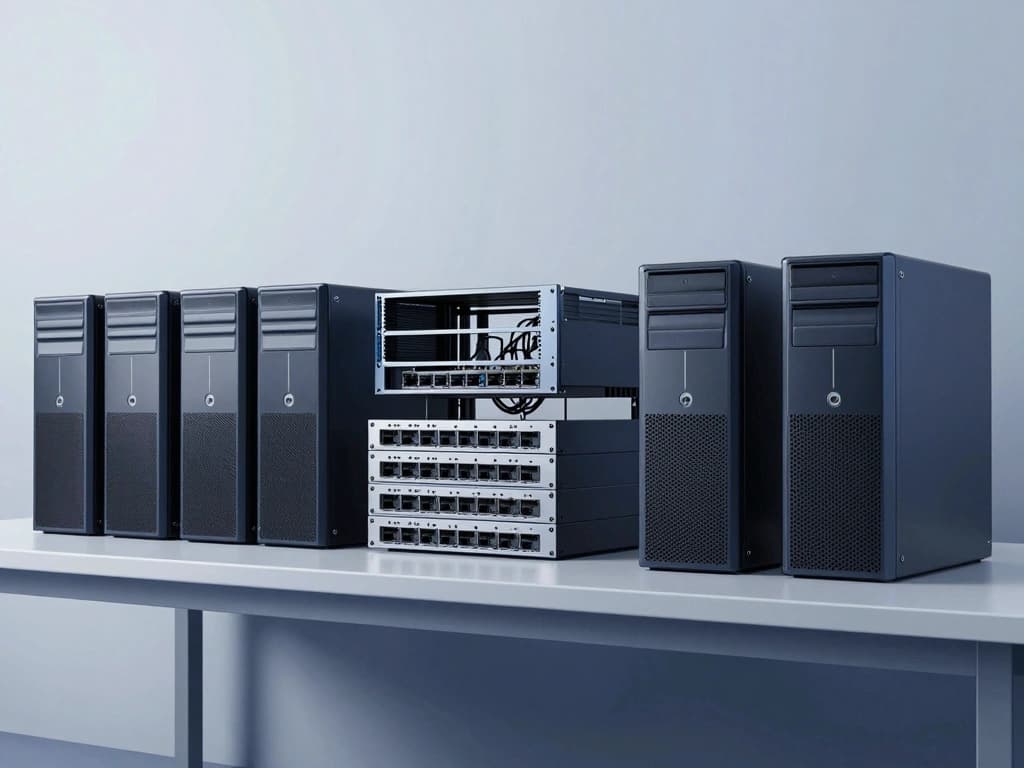
- Servers: These are the backbone of any homelab. Look for models like the Dell PowerEdge R720 or the HP ProLiant DL360, which offer robust performance and scalability.
- Networking Equipment: Routers, switches, and firewalls from vendors like Cisco and Juniper provide advanced networking capabilities. The Cisco Catalyst 2960 series switches are popular choices.
- Storage Solutions: SAN (Storage Area Network) devices or NAS (Network-Attached Storage) systems can significantly enhance your storage capabilities. Consider retired models like the Dell EqualLogic PS6100 for shared storage needs.
- Workstations: High-performance workstations, such as the Dell Precision series, are excellent for tasks requiring significant processing power, such as video editing or software development.
Evaluating Hardware Specifications and Compatibility
When selecting retired enterprise equipment for your homelab, it’s crucial to evaluate the hardware specifications carefully. Key factors to consider include:
- Processor Type and Speed: Look for multi-core processors such as Intel Xeon or AMD EPYC, which can handle virtualization and multitasking effectively.
- Memory Capacity: Aim for at least 16GB of RAM, with the ability to expand to 64GB or more if you plan on running multiple virtual machines.
- Storage Options: Ensure that the equipment supports SSDs or multiple HDDs to enhance speed and capacity. RAID configurations are also crucial for redundancy.
- Network Interfaces: Consider the number of network ports and their speed (1GbE vs. 10GbE) to ensure adequate networking performance for your applications.
Sources for Acquiring Retired Equipment
Finding retired enterprise equipment can be accomplished through various sources, including:
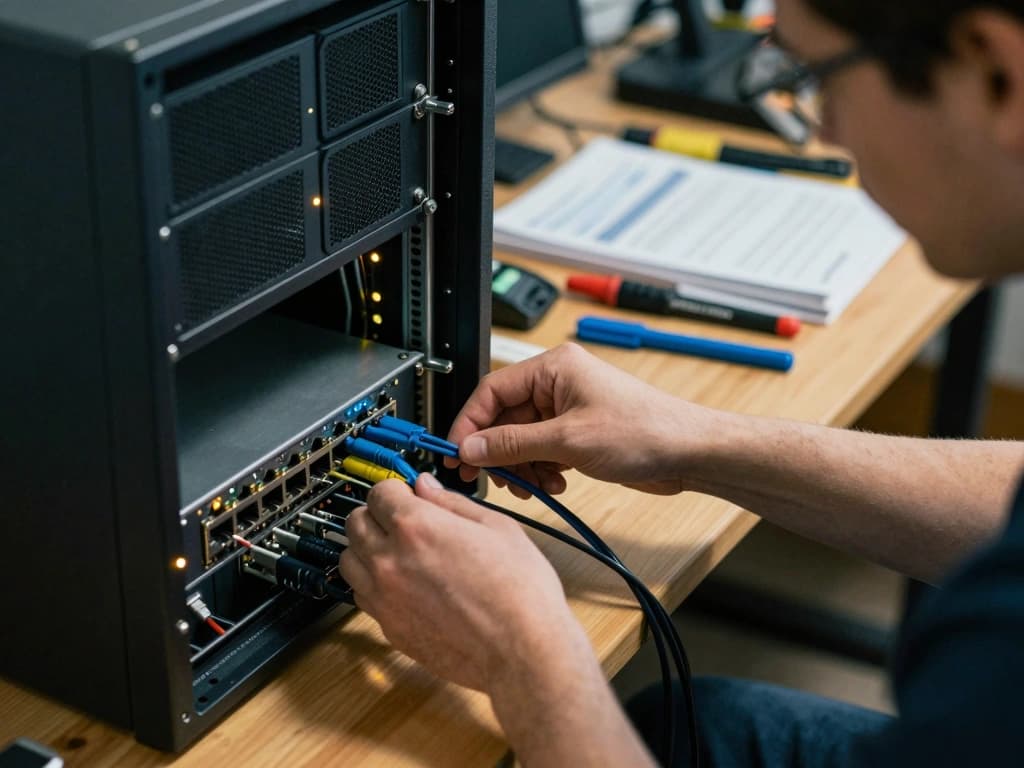
- Auction Sites: Websites like eBay often have a wide range of retired equipment available for bidding or direct purchase.
- Refurbished Equipment Retailers: Companies specializing in refurbished IT equipment, such as ServerMonkey or TechSupply, provide reliable hardware with warranties.
- Local IT Asset Disposition Companies: These firms help businesses recycle or sell their old equipment. You may find great deals through them.
- Online Marketplaces: Platforms like Craigslist and Facebook Marketplace can also offer local options for purchasing retired enterprise gear.
Setting Up Your Homelab Environment
Designing the Physical Space for Your Homelab
Creating a dedicated physical space for your homelab is essential for both functionality and organization. Consider the following aspects when designing your setup:
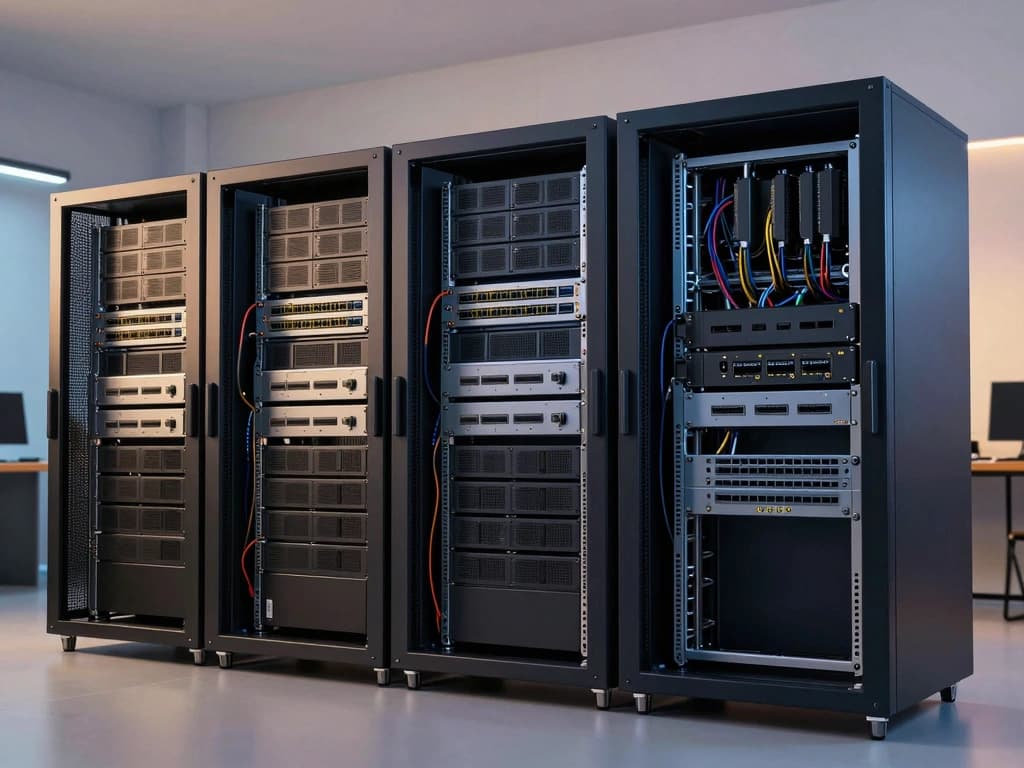
- Space Requirements: Ensure that you have enough room for your servers, networking equipment, and storage solutions. A small rack or server cabinet can help keep everything organized.
- Accessibility: Position equipment for easy access, allowing for straightforward maintenance and upgrades.
- Cabling: Plan for proper cable management to avoid clutter and ensure easy troubleshooting. Use color-coded cables and labels to identify connections.
Networking and Connectivity Considerations
Networking is a critical component of any homelab. Proper planning can enhance performance and security. Key considerations include:
- IP Address Management: Implement a structured IP addressing scheme to avoid conflicts and improve network organization.
- VLANs: Utilize VLANs (Virtual Local Area Networks) to separate different types of traffic, improving security and performance.
- Firewall and Security Devices: Integrate firewalls and security appliances to protect your network from external threats. Consider using retired devices like the Cisco ASA series for robust security.
Power Management and Cooling Solutions
Power management and cooling are vital for maintaining the longevity and performance of your homelab equipment. Here are some strategies:
- UPS (Uninterruptible Power Supply): Invest in a UPS to protect against power outages and fluctuations, ensuring your equipment remains operational.
- Cooling Solutions: Ensure adequate airflow around your equipment. Use rack-mounted fans or dedicated air conditioning units if necessary to prevent overheating.
- Power Distribution Units (PDUs): Utilize PDUs to manage power distribution efficiently and to monitor power consumption across your devices.
Configuring and Managing Your Homelab
Operating Systems and Virtualization Options
Choosing the right operating system and virtualization platform is crucial for maximizing your homelab's capabilities. Popular options include:
- Operating Systems: Consider using Linux distributions such as Ubuntu Server or CentOS for flexibility and performance. Windows Server is also an excellent option for those familiar with Microsoft environments.
- Virtualization Platforms: VMware ESXi, Proxmox, and Microsoft Hyper-V are popular choices for creating and managing virtual machines. These platforms allow you to run multiple operating systems on the same physical hardware seamlessly.
Setting Up Management Tools and Monitoring Solutions
Effective management and monitoring of your homelab can enhance performance and reliability. Here are some tools to consider:
- Management Tools: Utilize tools like Ansible or Puppet for configuration management and automation of deployments across your servers.
- Monitoring Solutions: Implement monitoring tools such as Zabbix, Nagios, or Grafana to keep track of system performance, resource utilization, and network health.
Security Practices for a Homelab Environment
Security should be a primary concern when configuring your homelab. Implement the following best practices:
- Regular Updates: Keep all software and firmware updated to protect against vulnerabilities.
- Firewalls and Access Control: Set up firewalls and enforce strict access controls to limit exposure to external threats.
- Backup Solutions: Implement regular backup strategies to safeguard your data and configurations. Consider using tools like Veeam or Bacula for comprehensive backup management.
Expanding and Scaling Your Homelab
Integrating New Technologies and Upgrades
As technology evolves, so should your homelab. Consider the following approaches to integrate new technologies and upgrades:
- Regular Upgrades: Periodically assess your hardware and software to identify areas for improvement, such as upgrading RAM, storage, or networking equipment.
- Testing New Technologies: Use your homelab as a testing ground for new technologies, such as containers with Docker or Kubernetes, which can enhance your development and deployment capabilities.
Community Resources and Online Support for Homelab Enthusiasts
Joining a community of homelab enthusiasts can provide valuable insights and support. Online forums, Reddit communities, and social media groups are excellent resources for sharing experiences, troubleshooting issues, and discovering new ideas. Platforms like Spiceworks and the Homelab subreddit are popular among users.
Documenting Your Homelab Journey and Learning Experiences
Documenting your homelab journey can be beneficial in several ways:
- Knowledge Retention: Keeping a log of your configurations, issues encountered, and solutions will help you retain knowledge for future reference.
- Sharing with Others: Consider starting a blog or YouTube channel to share your experiences, tips, and insights with the broader community.
- Reflecting on Growth: Regular documentation allows you to reflect on your learning progress and the evolution of your skills and knowledge over time.